The uncanny valley in AI video, and how to cross it
· 4 min read
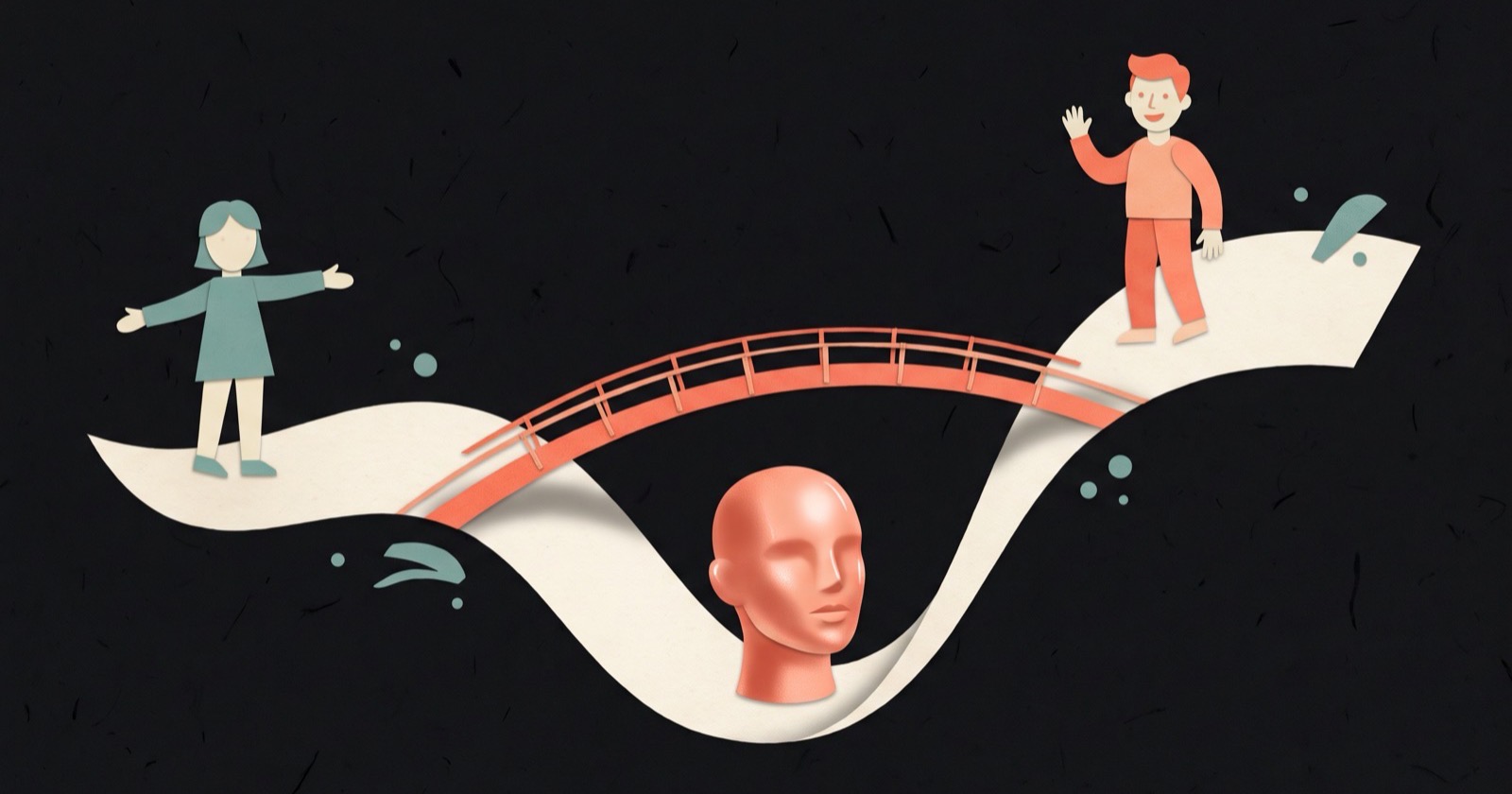
The uncanny valley is the drop in comfort people feel when something looks almost, but not quite, human. The Japanese roboticist Masahiro Mori described it in 1970: as a robot looks more human, people warm to it, until it gets close to human without arriving. There, comfort falls sharply into what he called the uncanny valley, and only recovers when the likeness is close to perfect.
AI video lands in that valley often. A model gets most of a face right, and viewers notice what's wrong before they notice what you're saying. Once someone thinks "this is fake", they stop listening and start inspecting, and the comments end up being about the presenter's teeth.
Where AI video gives itself away
- Eyes. Too few blinks, or a gaze that doesn't land on anything.
- Mouths. Lip sync a few frames late, teeth that change shape between shots.
- Hands. Fewer extra fingers than a year ago, but hands still merge into the objects they hold.
- Skin. Evenly lit, poreless, no shine on the forehead.
- Motion. People glide instead of stepping. Hair and fabric drift as if underwater.
- Voice. No breaths, no hesitation, the same energy on every word.
- Continuity. A mug changes colour between cuts. A window moves.
Any one of these is enough. Viewers rarely name the problem. They report a feeling ("something's off") and scroll.
Three ways out
Mori's curve has two exits: climb out the far side to fully real, or step back from the edge to something clearly not trying to be real. In practice that gives you three options.
Step back: stylise on purpose
An illustrated or clearly animated style doesn't ask to be judged as real. Nobody counts the fingers on a cartoon. Viewers read stylisation as a choice, so they judge the message instead of the rendering.
Picture the same 20-second explainer about cutting your electricity bill, made two ways. In the first, a photoreal AI presenter stands in a kitchen and talks. In the second, a narrator talks over flat illustrations of a fridge, a thermostat dial and a bill with one number circled. The first version gives viewers a face to inspect. The second gives them nothing to inspect except the idea. (This is why most good explainer videos are illustrated.)
Go real where trust is the point
When the message amounts to "trust me", use a real person on camera: a founder's story, a customer's result, an apology, a price change. A real face with a slightly awkward delivery beats a flawless synthetic one, because the awkwardness is evidence a person is there. A tight edit takes care of the rest.
Mix them
Put a real face on the parts that need trust and illustration on the parts that need explaining. A common shape for a 45-second video: you on camera for the first five seconds and the last five, illustrated scenes for everything in between. Each part does the job it's good at, and nothing sits in the valley. Faceless, on camera or both has examples of each.
If you use AI footage anyway
Sometimes near-real footage is the right call, for b-roll of places, objects or crowds. Some habits keep it out of the valley:
- Keep shots short. Two to four seconds, cut on movement. Errors build up over time; a short shot ends before they show.
- Don't lip-sync close-ups. Put the narration over wider shots, hands at work or objects instead of a speaking mouth.
- Keep hands empty or out of frame.
- Add the texture real video has. Room tone, a little camera movement, light coming from a believable direction.
- Give the voice breaths and pauses. Vary the pace. Or record the narration yourself and use AI only for the pictures.
- Check continuity like an editor. Watch every cut once, looking only at the background.
The script can be uncanny too
A written-sounding script makes even a real person sound synthetic. "Our innovative solution empowers teams to unlock productivity" is uncanny in any voice, because no one talks like that. Write how people speak: contractions, short sentences, a pause before the word that matters. Then read it aloud. If you'd feel silly saying a line to a friend, the audience will feel it too.
Common questions
What is the uncanny valley?
The uncanny valley is the sharp drop in comfort people feel toward things that look almost human but not quite, such as realistic robots, wax figures or AI-generated faces. The idea comes from roboticist Masahiro Mori's 1970 essay, which plotted comfort against human likeness and found a dip just before full realism.
Why do AI videos look creepy?
Because they are close to real but get small details wrong: blinking, lip sync, hands, skin texture, how bodies move and how voices breathe. People are very sensitive to faces and voices, so these small errors read as "something's off" even when the viewer can't say what.
How do you make AI video less uncanny?
Either stylise it (illustration, animation, a handmade look) so it isn't judged as real, or use a real person where trust matters and AI only for visuals around them. If you use realistic AI footage, keep shots short, avoid close-up lip sync, and give the voice natural pauses.
Are AI avatars in the uncanny valley?
Many still are, especially in close-ups where the mouth, eyes and skin are in view for several seconds. They hold up better in short clips, in wider shots, and in uses where the viewer expects a presenter rather than a real person they're meant to trust.
ThreeCut's three formats map onto these choices. Faceless animation stays illustrated on purpose, Face only keeps you real on camera, and Face + animation puts your face on the opening and the ask with illustrated scenes in between. The scripts it drafts are written to be said out loud, and you can rewrite any line that doesn't sound like you.