How to edit a talking head video people finish
· 5 min read
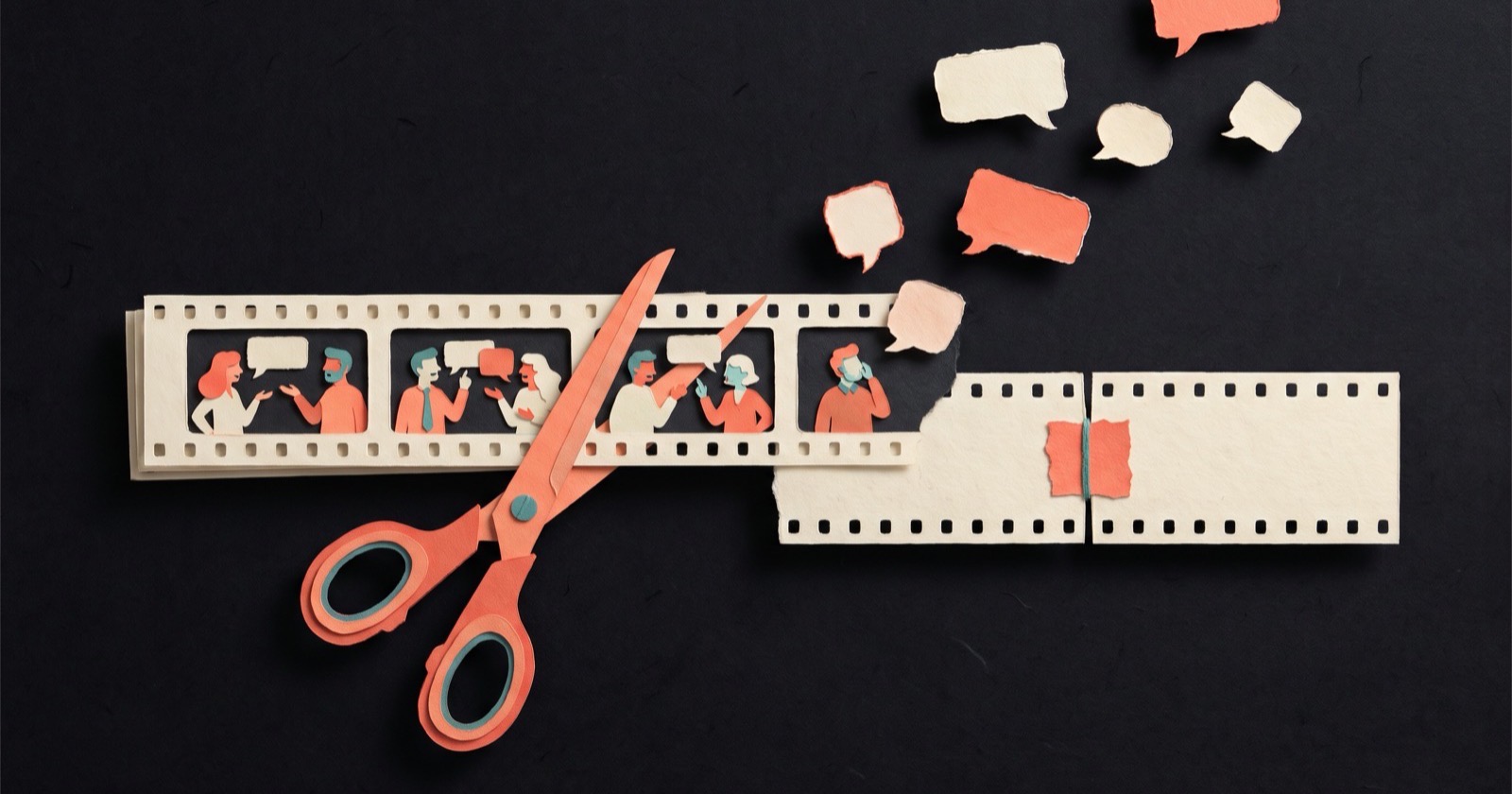
A talking head video is a video of a person speaking to the camera. To edit one so people finish it, cut the set-up and the tail, cut the ums and false starts, shorten the pauses, deal with the jump cuts, and caption every word. Most of editing is cutting, and most talking head videos lose people before the speaker has said anything: the glance at the screen, the breath, "Okay, so, um, hi." In short video, the viewer decides whether to stay in about the time it takes to say "okay, so".
1. Cut the set-up and the tail
Start on the first word of the first real sentence. Not the "okay", not the smile while you wait for the recording to start. End on the last word of the last real sentence, before you look down or reach for the phone.
This one cut usually removes two to four seconds, and they're the most expensive seconds in the video.
2. Cut the filler words and false starts
Fillers: um, uh, "you know", "like", "so basically", "I mean". False starts: "We built this to... we built this so you can...". Keep the version you finished and cut the one you abandoned.
A few fillers in a long conversation sound natural. In a 45-second video, each one is a small moment where nothing is happening.
3. Tighten the pauses, but keep one
Cut the dead air between sentences down to a beat. Then put one pause back, right before the line that matters most. A short silence tells the viewer the next sentence is the important one, which is why comedians pause before the punchline.
4. Hide the jump cuts, or own them
A jump cut is a cut between two moments of the same shot, so the speaker's head jumps slightly from one position to the next. Cutting the ums out of a talking head video creates lots of them. Viewers of short video are used to jump cuts. If they bother you, zoom in 10 to 15 percent on alternate cuts. Each cut then looks like a deliberate change of framing.
5. Caption every word, in time
Many people scroll with the sound off, and anyone in a quiet office or on a train will read before they listen. Captions that highlight each word as it's spoken keep the viewer's eye moving with your voice, even when the picture barely changes.
- Two to four words at a time. A full sentence on screen gets read ahead of the voice, and then the viewer is waiting for you.
- Highlight the current word. It pulls the eye along at the speed you speak.
- High contrast. White text with a dark outline or shadow is easier to read over a moving background than text in a box.
- The middle of the frame. On vertical video, the platform's buttons cover the bottom and the right edge. Captions that sit there get covered.
- Correct names and numbers. Auto-transcripts get product names and figures wrong. Fix the transcript before the captions go on.
Before and after
Here is a raw take, about 22 seconds:
[2 seconds of silence] Okay. So, um, hi everyone. So today I wanted to, uh, talk about, like, the one thing that, um, changed how I, how we plan content. Which is, um... [long pause] we write the last line first. You know? Like, before anything else. And then, um, everything else has to, uh, lead there. Yeah. [reaches for the phone]
And the edit, about 7 seconds:
One thing changed how we plan content. [beat] We write the last line first, and everything else has to lead there.
What came out:
- The silence at the start, and "Okay. So, um, hi everyone."
- "So today I wanted to talk about", which announces the topic instead of starting it.
- The false start "how I, how we".
- Every um, uh and like.
- "You know? Like, before anything else", which repeats "first".
- "Yeah" and the reach for the phone.
What stayed: one beat before "We write the last line first", because that's the line the video exists for.
The edit is a third of the length and has the same content. Someone who'd have scrolled at "So, um, hi" now hears the idea in the first two seconds. A tighter script makes this edit smaller; see how to write a video script.
Check it the way people will watch it
Before you post, watch the export on your phone, full screen, with the sound off. If the first second has no words on screen, cut deeper. If you lose the thread anywhere, that's where the script or the captions need work. Then watch it once with sound, listening only for leftover ums.
Common questions
What is a talking head video?
A talking head video shows a person speaking directly to the camera, usually from the chest up. It's the standard format for vlogs, founder updates, interviews, course lessons and many UGC ads. If you're deciding whether to be on camera at all, see faceless videos vs on camera.
How do you remove ums from a video?
Find each filler word in the timeline (a transcript makes this fast), cut from just before it to just after it, and check that the words on either side still flow. Many editors and AI tools now detect fillers automatically, but review the result: some "so"s and "like"s carry meaning and should stay.
Are jump cuts bad?
No. Jump cuts are normal in short-form video, and viewers barely notice them. They only look careless when the speaker's position jumps a lot. To soften them, alternate between your normal framing and a 10 to 15 percent zoom on each cut.
Should every talking head video have captions?
For social video, yes. Many people watch with the sound off, and word-by-word captions keep them following along. Keep two to four words on screen, highlight the current word, and keep captions clear of the platform's buttons.
ThreeCut makes these cuts for you after you record. It trims the set-up and the reach for the stop button, removes the ums, false starts and long pauses, and captions every word in time, highlighted as you say it. Since you record scene by scene with your line on screen, a take you don't like is one retake away, not a re-shoot of the whole video.