AI avatar videos: when they work and when they don't
· 6 min read
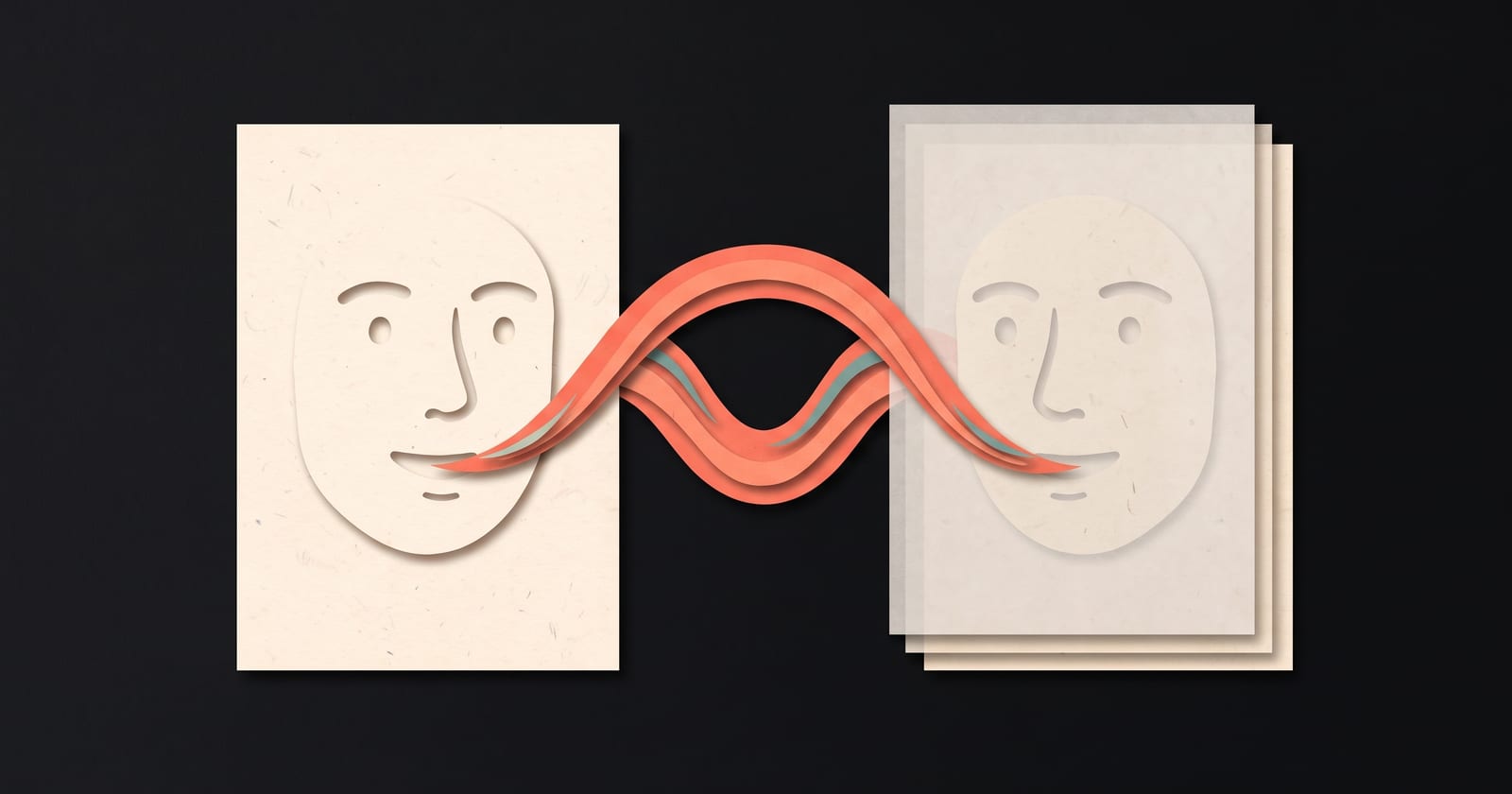
An AI avatar video uses a cloned voice and a photo of a real person to make a talking head that says new lines without anyone being filmed. Avatars work well for regular, information-led videos where the person is a host rather than the subject: tips, updates, explainers, a recurring character, and the weeks you can't film. They work badly wherever the viewer needs the real person in that moment: apologies, bad news, personal stories, testimonials and long close-ups. Make one only of someone who has agreed, and say it's AI wherever a viewer could be misled.
How an avatar is made
Most avatar tools follow the same three steps:
- A voice. You record a minute or two of clean speech, and a model learns to say new sentences in that voice.
- A face. You provide a clear photo (or a short clip) of the person looking at the camera.
- The video. You type the lines; the voice says them, and the face is animated so the lips, head and eyes move with the speech.
The result can be convincing in short scenes and slips in long ones. The uncanny valley post lists where AI faces usually give themselves away.
Where avatars work
Regular videos you'd otherwise skip
A weekly tip, a product changelog, the answer to this week's most common support question. The value is in the information and the regularity. If filming is the reason the series keeps stopping, an avatar keeps it going.
Explainers with a host
When most of the video is a diagram, an animation or a screen recording, the presenter is there to open, link and close. An avatar can do that job, and the cutaways carry the substance.
The weeks you can't film
Travel, a cold, a noisy flat, no time. For a creator or founder who already posts on camera, an avatar of themselves covers the gaps without breaking the schedule.
A character or co-host
A mascot, a persona you play, a second voice to argue with. Here everyone knows it isn't a candid recording, so the artificiality isn't a problem, and it can be part of the format.
Changing a line later
With a filmed video, fixing one sentence means re-shooting it in the same light, clothes and framing. With an avatar, you change the text and generate that scene again.
Where avatars don't work
- Apologies and bad news. A price rise, an outage, a mistake. The viewer is judging whether you mean it, and an avatar answers "no" before you've said anything.
- Personal stories and opinions. "The month we nearly shut down" needs the person who lived it, on camera, in their own delivery.
- Testimonials and reviews. A customer avatar saying things a real customer didn't say is a fake review, whatever the disclaimer. Don't.
- Long close-ups. The longer the face fills the frame, the more time the viewer has to notice what's off. Keep avatar scenes short and the framing a little wider.
- Anything the viewer would feel tricked by later. If finding out it was AI would change how someone feels about the video, use the real person or say clearly that it's an avatar.
A quick decision table
| Video | Avatar? |
|---|---|
| Weekly tip or explainer | Yes |
| Product changelog | Yes |
| Recurring character or co-host | Yes |
| Founder update | Sometimes; film the months that include bad news |
| Launch announcement | Better on camera; an avatar is fine for follow-ups |
| Apology or price change | No |
| Personal story | No |
| Customer testimonial | Never |
Consent and labelling
Only make an avatar of someone who has agreed, clearly and specifically, to an AI voice and likeness being made of them. That includes co-founders and colleagues. The cleanest proof is the person saying so in their own voice at the start of their recording. Keep the avatar private to your account, and delete it, with its voice and photos, if they withdraw.
Label it where it matters. YouTube, TikTok and Meta's apps ask creators to disclose realistic AI-generated or altered content, and the details change, so check each platform's current rules before you post. Beyond the rules, a short "made with an AI avatar of me" in the caption costs nothing and protects the trust the rest of your videos build.
Rules about using someone's voice or likeness also differ by country. If you're making an avatar of anyone other than yourself for commercial use, get their agreement in writing as well.
Capturing a clean avatar
Most bad avatars come from a bad recording, not a bad model.
The voice:
- A quiet room with soft furnishings, and the microphone close to your mouth.
- About a minute of speech, read in varied ways: calm, excited, a question, a sentence with numbers. A voice learned from one flat paragraph comes back flat.
- No music, no other voices, no echo.
The photo:
- Looking straight into the lens, head and shoulders.
- Soft, even light from the front; no hard shadows across the face.
- Mouth relaxed, eyes open, nothing covering the face.
- No filters or heavy retouching.
The script:
- Write it the way the person talks. An avatar saying stiff, written sentences sounds twice as artificial.
- Keep scenes short, and cut away to animation, photos or screen recordings for the middle of the video, as you would with any talking head. A mix also hides the moments when the avatar is weakest. For when to cut away, see B-roll and cutaways.
How to do this in ThreeCut
In ThreeCut you make an avatar once: read six short lines, about a minute in all, and add one clear photo. The first line is a consent statement read in the person's own voice, and the voice isn't built without it. Each take is checked for level, room noise and distortion as you record. Then type @ and their name in any video's topic. The writer gives them lines that fit who they are, and they appear on camera, lip-synced, in the Face only and Face + animation formats, or narrate over the animation in a Faceless video. A video with an avatar costs the same credits as any other, avatars are private to your account, and deleting one deletes its voice and every file. Read the capture guide.
Common questions
What is an AI avatar video?
A video in which a digital version of a real person, built from a cloned voice and a photo or clip, says lines you typed. The voice speaks the script and the face is animated to match, so nobody has to be filmed.
Is it legal to make an AI avatar of someone?
Only make one with the person's clear consent, and for commercial use get it in writing. Laws on using someone's voice and likeness vary by country, so check the rules where you and they live.
Do I have to say a video uses an AI avatar?
Several platforms, including YouTube, TikTok and Meta's apps, ask creators to disclose realistic AI-generated content, so check their current rules. Saying so in the caption is good practice anyway.
How much voice recording does a voice clone need?
It depends on the tool. Many need somewhere between twenty seconds and a few minutes of clean speech. About a minute of varied lines, recorded close to the microphone in a quiet room, is a good amount for a natural result.