B-roll and cutaways: when to cut away from the speaker
· 6 min read
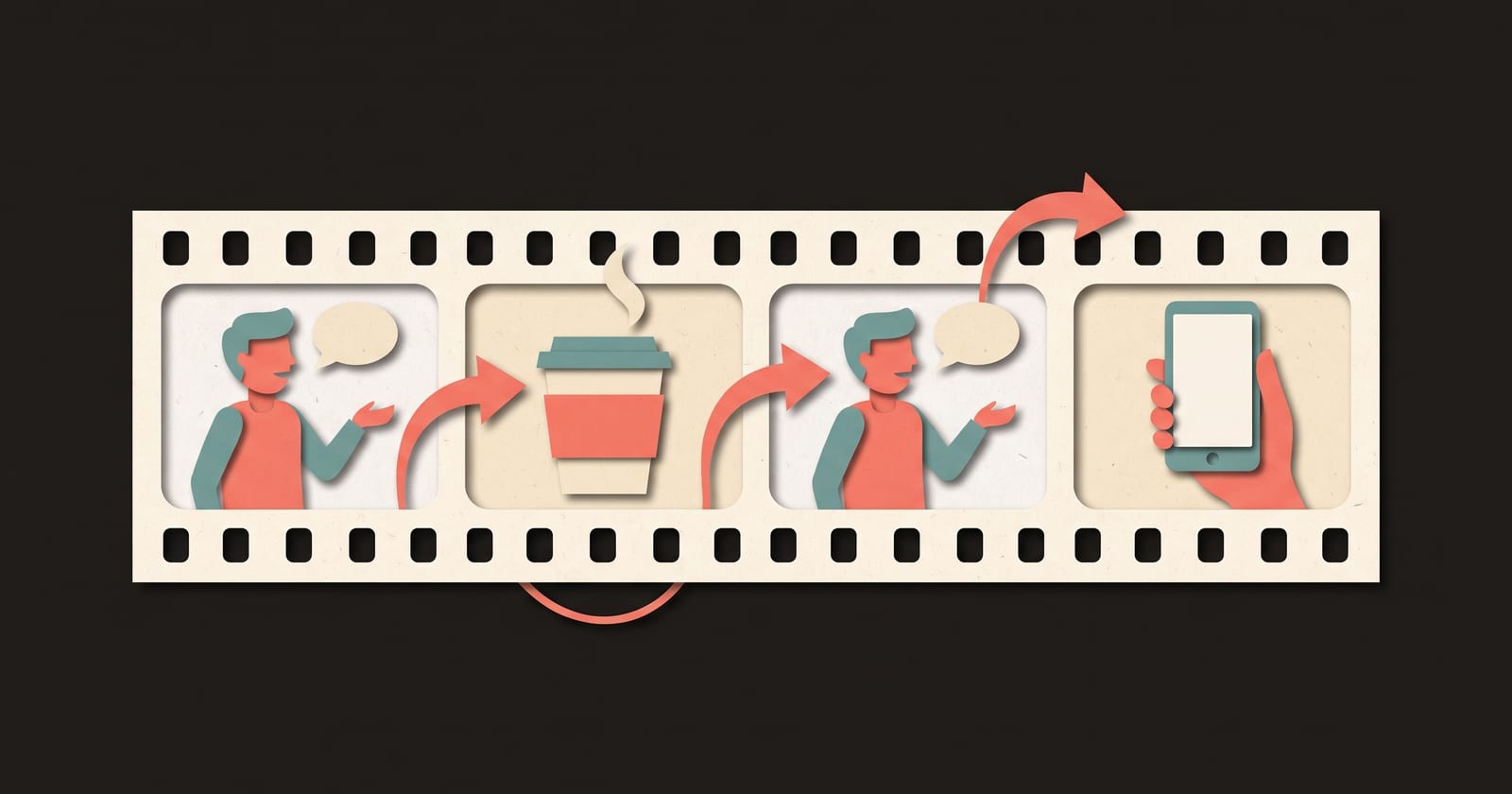
B-roll is any footage that isn't the main shot of the person speaking: close-ups, screen recordings, photos, animation. A cutaway is the moment you switch to it while the speaker's voice carries on. Cut away when the words describe something the viewer could see, when you explain how something works, when you show a number, and when you need to hide an edit. Stay on the face for the hook, for opinions and feelings, and for the call to action, because those are the moments the viewer is deciding whether to trust you.
The words, quickly
| Term | What it means |
|---|---|
| A-roll | The main footage: the person talking to camera |
| B-roll | Supporting footage shown over the A-roll's sound |
| Cutaway | A switch from the speaker to B-roll, then back |
| Insert | A close-up of a detail from the same scene, like hands on a keyboard |
| J-cut | The next shot's sound starts before its picture |
| L-cut | The previous shot's sound continues over the next picture |
A cutaway is usually an L-cut: you see the thing, you keep hearing the person. That's what makes it feel like one continuous explanation rather than two clips stuck together.
Five moments to cut away
1. The line names something the viewer could see
"The dial on the side of the grinder." "The receipt at the bottom of the bag." "The empty shelf at ten past ten." If the words point at a thing, show the thing. When the picture and the line agree, the viewer only has to follow one stream of information.
2. You're explaining how something works
A mechanism, a process, a set of steps. Faces are good at trust and bad at showing what happens inside a coffee machine or a spreadsheet. This is where animation, diagrams and screen recordings earn their place: they can show what a camera can't. What makes an explainer video work goes deeper on showing a mechanism one step at a time.
3. There's a number or a comparison
"Twenty-five seconds." "From four hours to forty minutes." Put the number on screen, as a timer, a chart or a single large figure, while the voice says it. Numbers that are only spoken are easy to miss.
4. You need to hide a cut
Removing ums and false starts from a talking head leaves jump cuts, where the speaker's head shifts at each join. A cutaway placed over the join hides it completely. (See how to remove filler words for the other ways to smooth a cut.)
5. The picture has stayed the same for a while
A long stretch of the same framing can feel slow even when the words are good. A cutaway resets the viewer's attention without stopping the story. This is a reason to cut, not a schedule: a cutaway that has nothing to do with the line distracts more than it helps.
Four moments to stay on the face
- The hook. The first line is where the viewer decides to stay, and a person looking at them is the strongest thing you can show. Open on camera.
- Opinions and personal moments. "I think this is wrong." "This is the month we nearly shut down." These need a face, or they read as a voiceover.
- Bad news and apologies. Cutting away during an apology looks like hiding.
- The call to action. The ask is a request from a person. Close on camera.
How long a cutaway should last
As long as the line it illustrates. In short-form video that's usually one sentence, two to six seconds. Shorter than about a second and a half, and the viewer can't take in what they saw; longer than the line, and the picture is no longer about what they're hearing.
Cut in at the start of the sentence that describes the thing, and cut back at the end of the sentence, or on the word that turns back to the speaker ("...and that's why I..."). Keep the voice running across both cuts.
How much B-roll?
There's no correct ratio, but a good starting rule for a talking head video with cutaways is: open on camera, close on camera, and keep at least a third of the video on the speaker. Below that, the video stops feeling like it's from a person and starts feeling like a faceless video with a cameo. If most of what you have to say is explanation, a faceless video may suit it better.
B-roll you can make without a crew
- Screen recordings of the product, the spreadsheet, the website.
- Your hands doing the task, filmed from above on a phone.
- Close-ups of the object you're talking about.
- Photos you already have, with a slow push in or pan.
- Animation or illustration for anything you can't film: inside a machine, the past, a process.
- Simple diagrams and large numbers on a plain background.
Avoid generic stock footage that only loosely matches the line. A smiling person at a laptop over "our invoicing tool" tells the viewer nothing.
Plan the cutaways in the script
Add a "Show" column to your script and decide the shot for every line before you record. Here is a 30-second example, with the cuts marked:
| Part | Shot | Say | Show |
|---|---|---|---|
| Hook | On camera | "Sour espresso usually means one thing: it ran too fast." | You, holding the cup |
| Story | Cutaway, animation | "Water rushes through coarse coffee and only pulls out the acids, which dissolve first." | Water racing through coarse grounds |
| Story | Cutaway, phone clip | "Grind a little finer, and the same shot runs slower." | The grinder dial turning one notch |
| Story | Cutaway, number | "For a double, aim for about twenty-five to thirty seconds." | A timer stopping at 0:27 |
| End | On camera | "Try one finer tomorrow. If it turns bitter, you've gone too far." | You, tasting it |
The face opens and closes, where trust matters. The middle is all cutaways, because it's all mechanism and numbers. Every cutaway shows exactly what its line says.
Mistakes to avoid
- Cutaways that don't match the words. The viewer reads the picture first and gets confused.
- Cutting away on the emotional line. It's the one line that needed your face.
- Cutting away so often the viewer never sees who's talking.
- Noisy B-roll. Clip audio, music or traffic under your voice fights the words. Mute the B-roll or keep it very low.
How to do this in ThreeCut
ThreeCut's Face + animation format is built on this pattern. When the writer drafts a script, it marks every scene as on camera or animation: on camera for the hook, personal moments and the call to action, animation for explanations, steps, comparisons and numbers. The first scene is always on camera, and at least a third of the scenes stay on camera. You record every line, including the ones under the cutaways, and your voice carries on while an illustration, or one of your own photos or clips, plays over it. You can switch any scene between on camera and animation in the editor. See the three formats.
Common questions
What is B-roll?
B-roll is supporting footage shown while someone keeps talking: close-ups, screen recordings, photos, animation or location shots. The main footage of the person speaking is called A-roll.
What is the difference between B-roll and a cutaway?
B-roll is the footage itself. A cutaway is the edit that switches from the speaker to that footage and back, usually while the speaker's voice continues.
How much B-roll should a video have?
It depends on the content, but a useful starting rule for a talking head video is to open and close on camera and keep at least a third of it on the speaker. Use B-roll where the words describe something visible or explain how something works.
Where can I get B-roll for free?
Make it yourself: record your screen, film your hands doing the task on a phone, photograph the product, or use photos you already have with a slow push in. Footage that shows exactly what the line describes beats generic stock.