Vertical, square or horizontal video: which to use where
· 6 min read
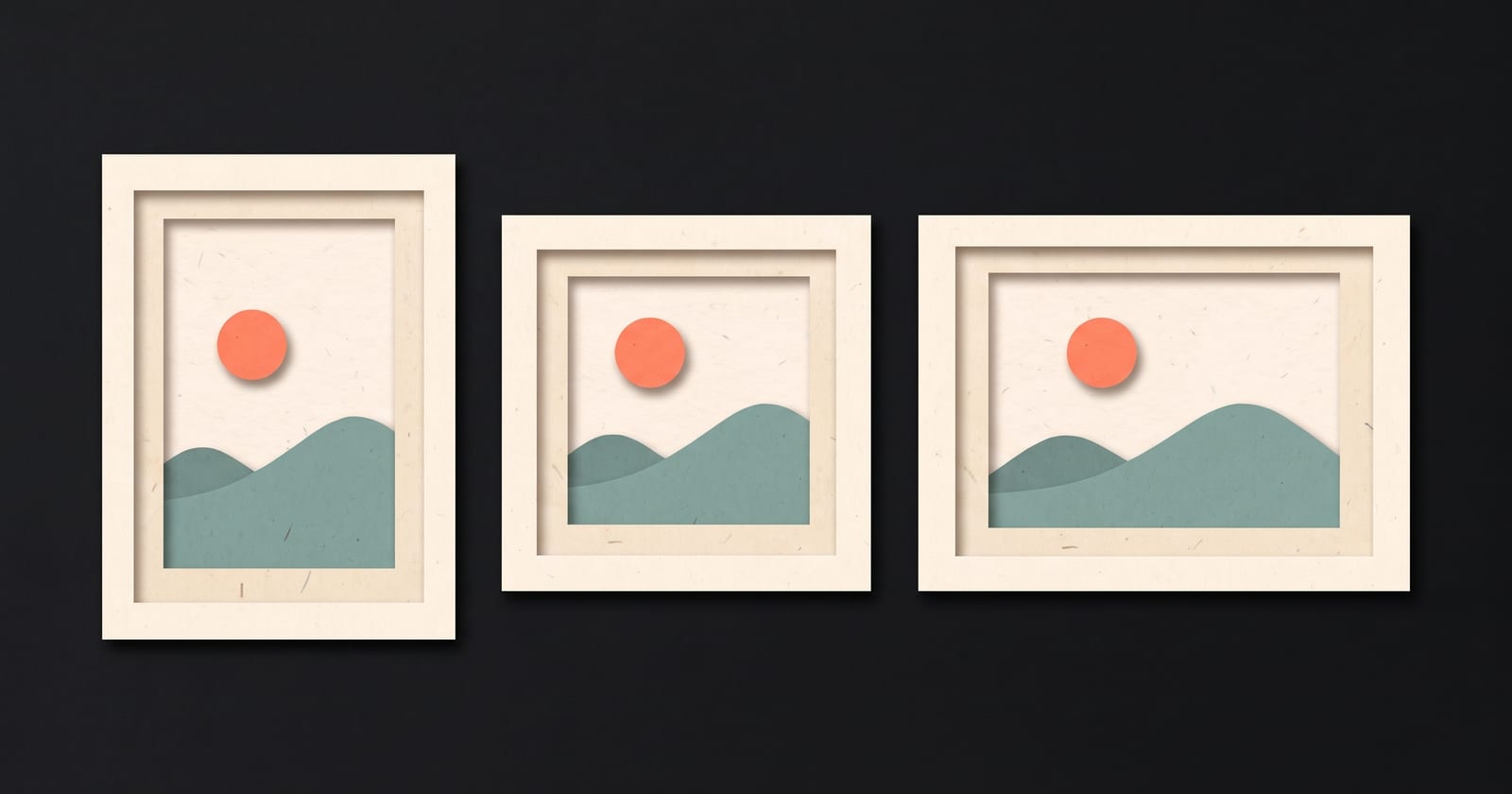
Use vertical 9:16 video for Reels, TikTok, Shorts and Stories, where people hold the phone upright and the video fills the screen. Use a 4:5 or square 1:1 video for posts in feeds, such as Instagram, Facebook and LinkedIn, where it sits between other posts. Use horizontal 16:9 for YouTube videos, websites, presentations and anything watched on a laptop or a TV. If one video has to go everywhere, choose the shape for the place that matters most and keep everything important in the middle of the frame.
The shapes, side by side
| Shape | Ratio | Common size | On an upright phone it fills |
|---|---|---|---|
| Vertical | 9:16 | 1080 × 1920 | Almost the whole screen |
| Portrait | 4:5 | 1080 × 1350 | About three fifths of the screen |
| Square | 1:1 | 1080 × 1080 | About half the screen |
| Horizontal | 16:9 | 1920 × 1080 | About a quarter to a third of the screen |
The last column is the whole argument for vertical video on phones. A horizontal video watched upright is a strip across the middle of the screen with the rest left empty. The same idea shot vertically is three times the size.
Which shape, where
| Where it will play | Shape | Notes |
|---|---|---|
| TikTok | 9:16 | Full screen; keep text clear of the bottom and the right edge |
| Instagram Reels | 9:16 | The profile grid shows a cropped preview, so keep the middle meaningful |
| YouTube Shorts | 9:16 | Vertical or square videos can be Shorts |
| Instagram and Facebook Stories | 9:16 | Leave room at the top and bottom for the app's bars |
| Instagram and Facebook feed posts | 4:5 or 1:1 | 4:5 takes more of the screen than square |
| LinkedIn feed | 1:1 or 4:5 | Vertical also plays; landscape looks small on phones |
| X | 16:9 or 1:1 | Square holds up better on phones |
| YouTube videos | 16:9 | Viewers expect it, and it fills TVs and laptops |
| Your website | 16:9, or 1:1 in a narrow column | A vertical video can work on a mobile-first page |
| Presentations, webinars, email thumbnails | 16:9 | Screens and slides are landscape |
Platforms change their layouts, so treat this as the starting point and look at your own feed: post where you'll publish, then check how it looks on a phone.
What each shape is good at
9:16 is close and personal. One person, one object, one thing at a time. It suits talking to camera, step-by-step demonstrations filmed from above, and anything where the viewer should feel addressed. It's poor at showing two people side by side or a wide screen recording.
1:1 and 4:5 are the compromise. They take a reasonable share of a phone screen in a feed and still work on a laptop. A centred subject with text above or below suits them well.
16:9 has room beside the subject. Two people in conversation, a person next to a screen, a landscape, a whole slide. It's the right shape when the viewer is sitting down and watching on purpose.
One video, several places
Most people don't have time to make three versions of everything. Three ways to handle it, from least to most work:
Shoot vertical, keep the middle safe
Record 9:16, and keep your face and anything important inside the middle square of the frame. You can then crop a 1:1 or 4:5 version from it without cutting off the top of your head. The cost is that the vertical version has more empty space top and bottom than it needs. Fill it with captions and a headline.
Shoot horizontal, crop to vertical
Record 16:9 with the subject in the centre, then crop a vertical slice. It works, but you lose most of the picture: a 9:16 crop from a 1920 × 1080 frame is only about 608 × 1080 pixels, which then gets enlarged to fill a phone. Shoot in 4K if you plan to do this, and keep the subject from moving sideways.
Make each shape on purpose
Frame, place text and caption each version for its shape. It's more work, but text and captions are where reusing a video shows: a caption placed for 16:9 sits under the app's buttons in 9:16. If the words on screen matter, this is the option that gets them right. Word-by-word captions has the safe margins for each shape.
Text and captions per shape
- 9:16: keep text out of roughly the bottom fifth (captions and account name) and the right seventh (buttons). Headlines near the top, captions just above the bottom fifth.
- 1:1 and 4:5: less is covered, but keep a margin of about 6 percent on every side and a little more at the bottom.
- 16:9: captions in the lower third, with a margin from the bottom edge, headlines near the top.
Make text bigger than you think. A 16:9 video watched on an upright phone shrinks every word to a third of its size.
Mistakes that are easy to avoid
- Posting 16:9 to Reels or TikTok. It plays as a small strip with blank space above and below.
- Cropping a vertical video to square and losing the head. Framed tight at the top for 9:16, the face falls out of the square. Leave headroom if you plan to crop.
- Text at the edges. Previews, grids and different phones crop the edges. Keep words inside the safe area.
- Choosing the shape last. The shape decides how you frame the shot and what fits on screen. Pick it before you record, as the faceless vs on camera guide suggests for format too.
How to do this in ThreeCut
In ThreeCut you choose the shape for each project: 9:16 vertical (the default), 1:1 square or 16:9 landscape. The choice carries through everything. The recorder's frame shows exactly the crop the video will keep, so you frame yourself for the real shape. Illustrated scenes are drawn for that shape, and headlines and word-by-word captions are laid out inside its safe area, clear of where the apps put their buttons. The shape doesn't change the price. For a second shape, start a second project from the same topic. See the shapes and lengths.
Common questions
What aspect ratio should Instagram Reels be?
9:16, ideally 1080 by 1920 pixels. Keep important text and faces away from the bottom fifth and the right edge, where Instagram shows the caption and buttons, and keep the middle meaningful because the profile grid shows a cropped preview.
What is the best aspect ratio for LinkedIn video?
For the feed, square (1:1) or portrait (4:5) take up more of a phone screen than landscape and still look fine on a laptop. Vertical 9:16 also plays. Use 16:9 when the video is mostly a screen recording or slides.
Is 4:5 better than 1:1 for feed posts?
On phones, 4:5 takes up more of the screen than a square, so it's usually the better choice where the platform supports it. Square is the safer choice when the same file goes to several platforms.
Can I turn a horizontal video into a vertical one?
Yes, by cropping a vertical slice from the centre, but you keep only about a third of the picture's width and the result is lower resolution. It works best when the subject stays in the middle and the original was recorded in 4K.